QUICK LOOK
See it before you open it.
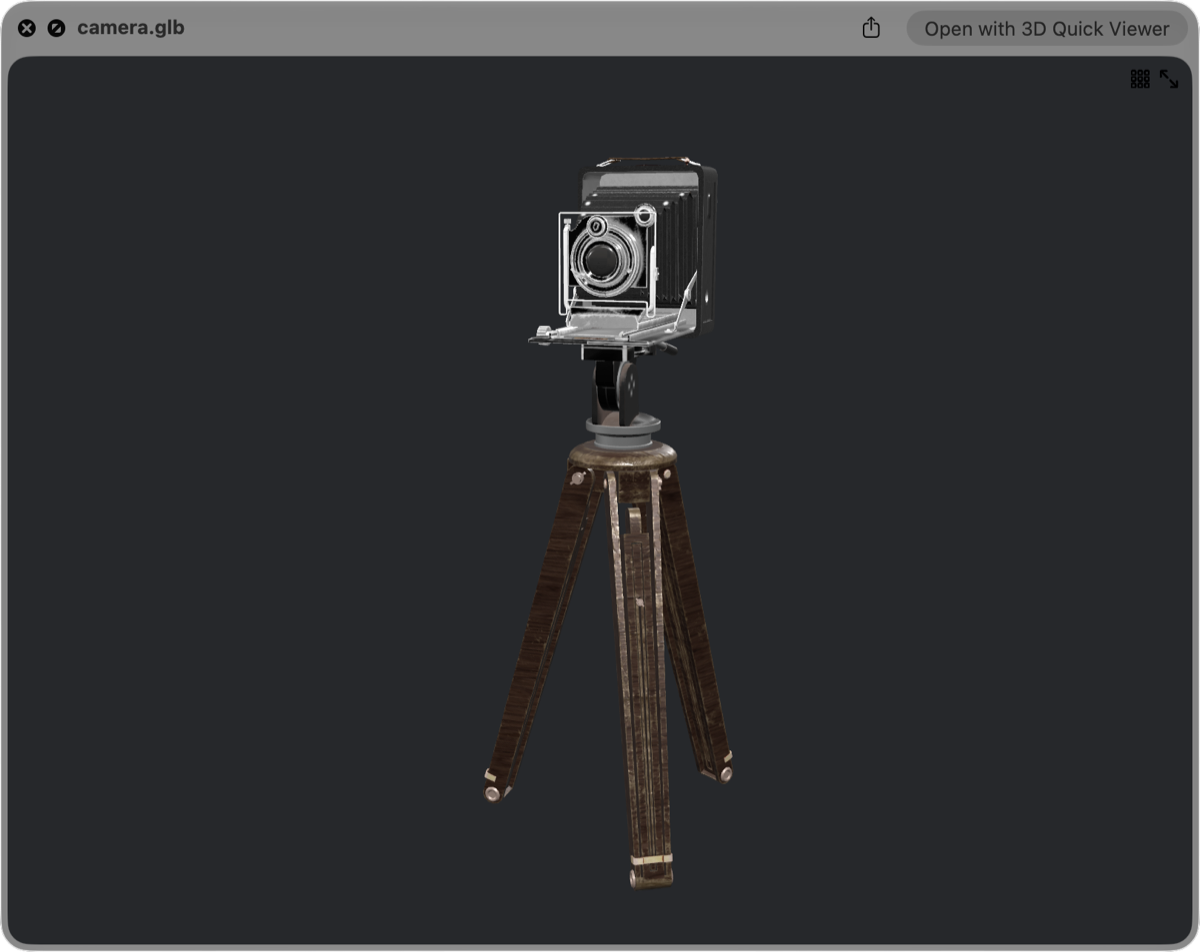
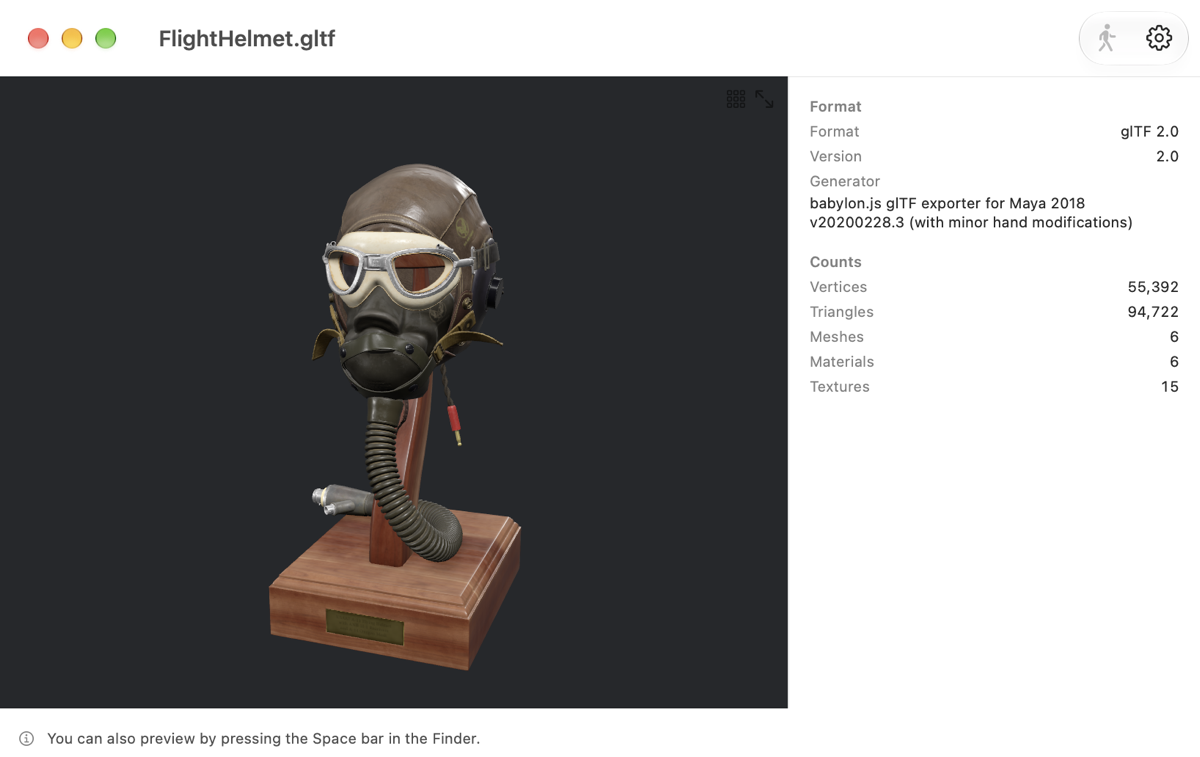
A Quick Look extension is built in. Select a file in the Finder, press Space, and rotate and zoom right in the preview. Files with animation start playing on their own.

3D Quick Viewer
Select a file in the Finder and press Space.
3D models and animations, right where they are.

For Mac, iPhone & iPad · macOS 15 / iOS 18 / iPadOS 18 or later
QUICK LOOK
A Quick Look extension is built in. Select a file in the Finder, press Space, and rotate and zoom right in the preview. Files with animation start playing on their own.
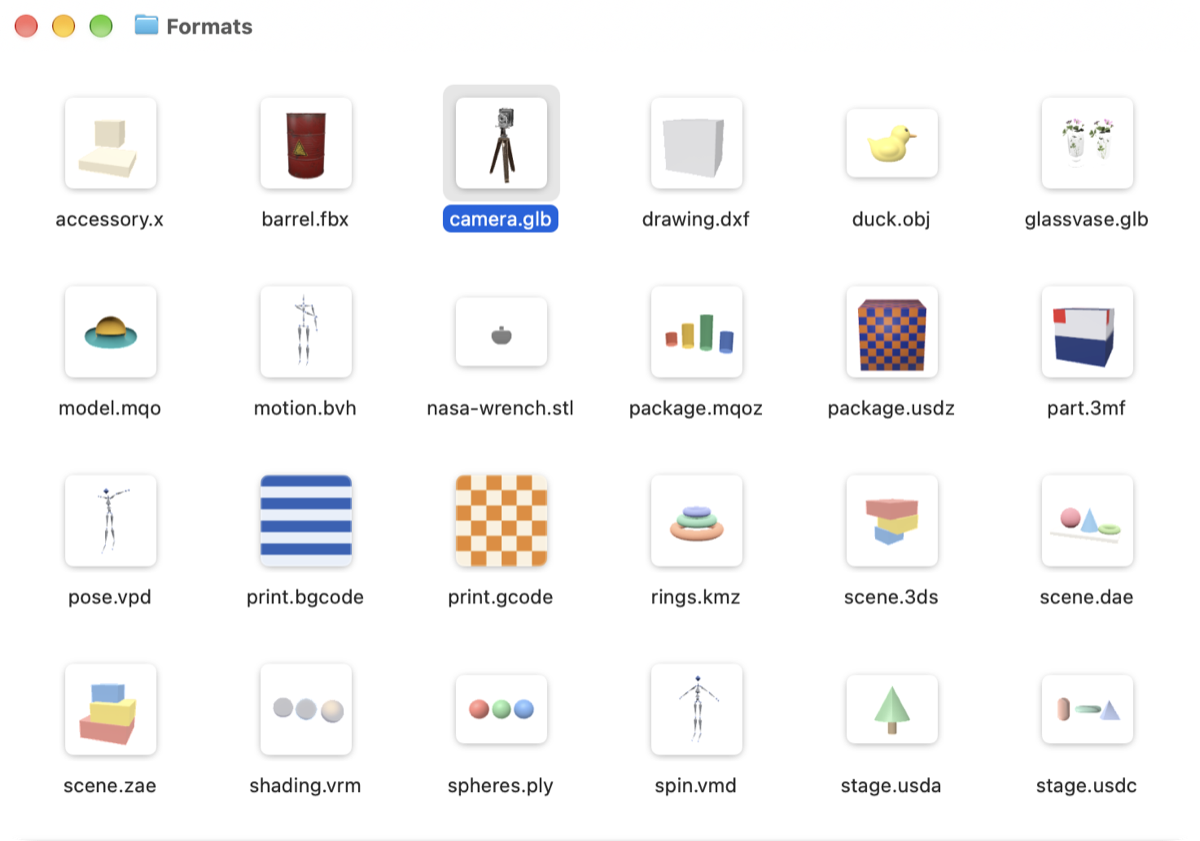
THUMBNAIL
Finder icons become pictures of the models themselves. Tell look-alike file names apart without opening a single one.
FORMATS
VRM avatars, FBX from game development, 3MF and G-code for 3D printing. Files from different worlds, in one app.
iPHONE & iPAD
Open a model from the Files app or the share sheet. One finger orbits, two fingers pan, pinch to zoom, and a double tap frames the whole model again.
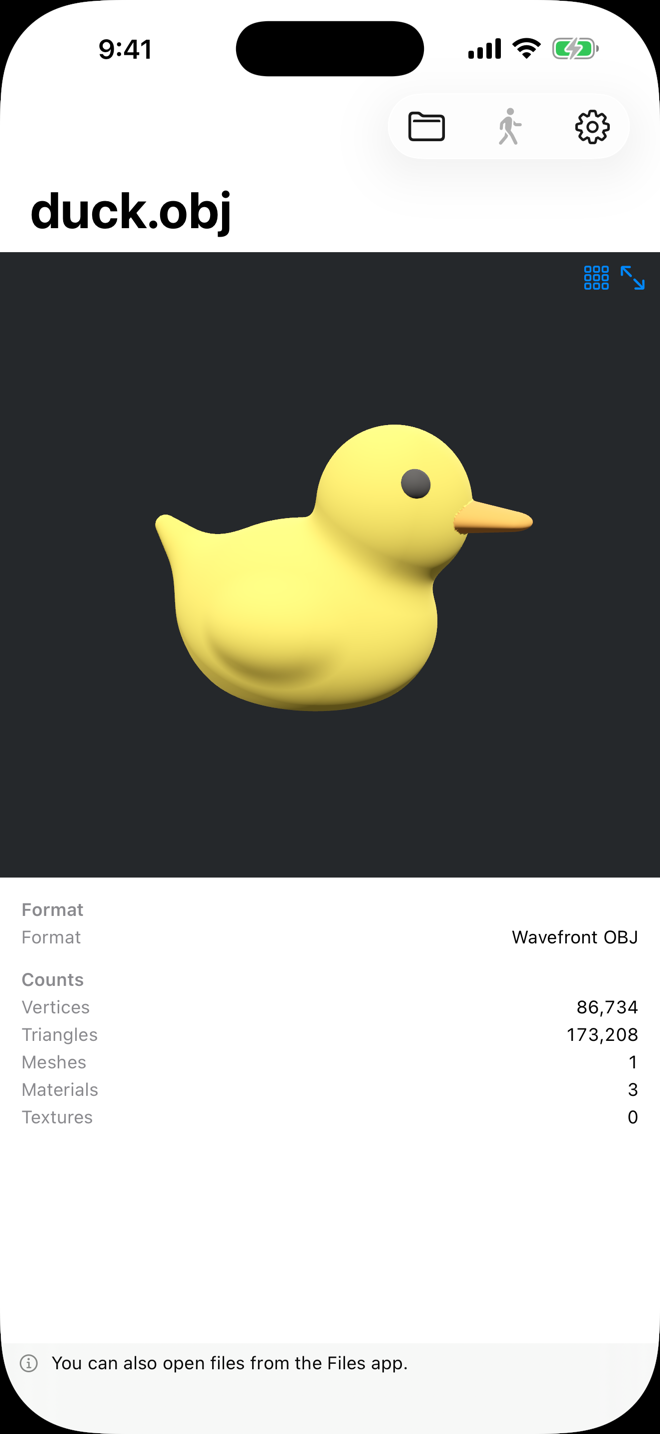
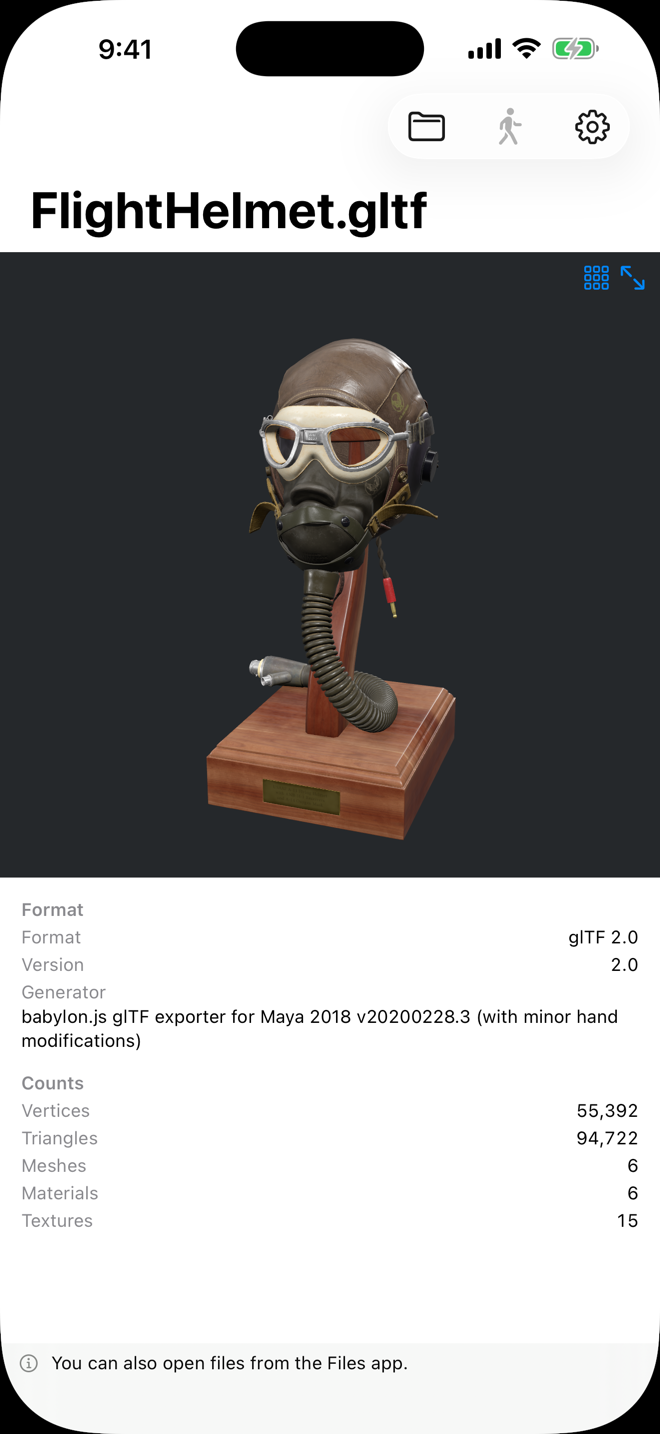
INSPECTOR
The inspector lays out how a model is built — including any references or features that could not be loaded, so it doubles as a check on your exports.
AND MORE
Play a motion or a pose on top of a model and watch it move.
.pmx files and .gltf files with external references show their textures once you grant access to their folder.
Set a size limit in Settings. Past it, the least recently used items are removed automatically.
PRIVACY
This app never connects to the network.
Nothing about the files you open leaves your device.
macOS 15 / iOS 18 / iPadOS 18 or later